Chrome extension
Spanwise
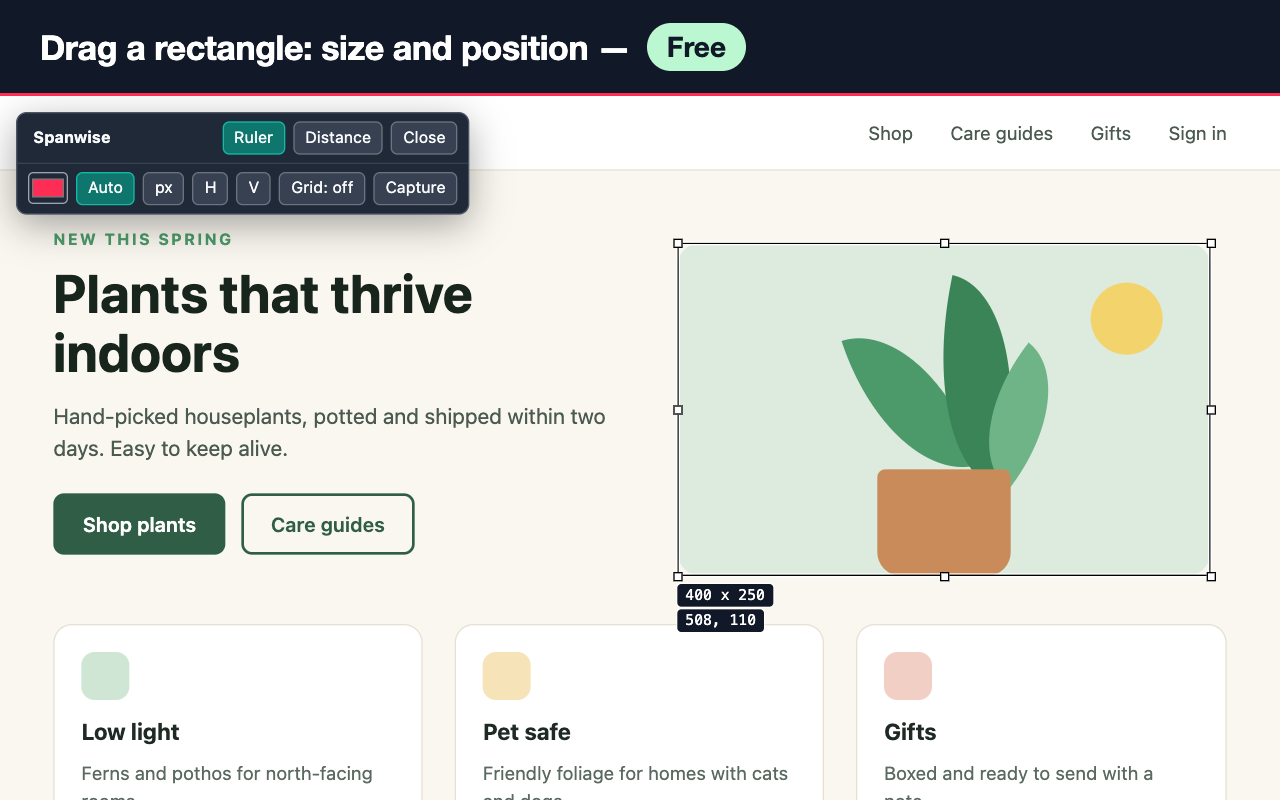
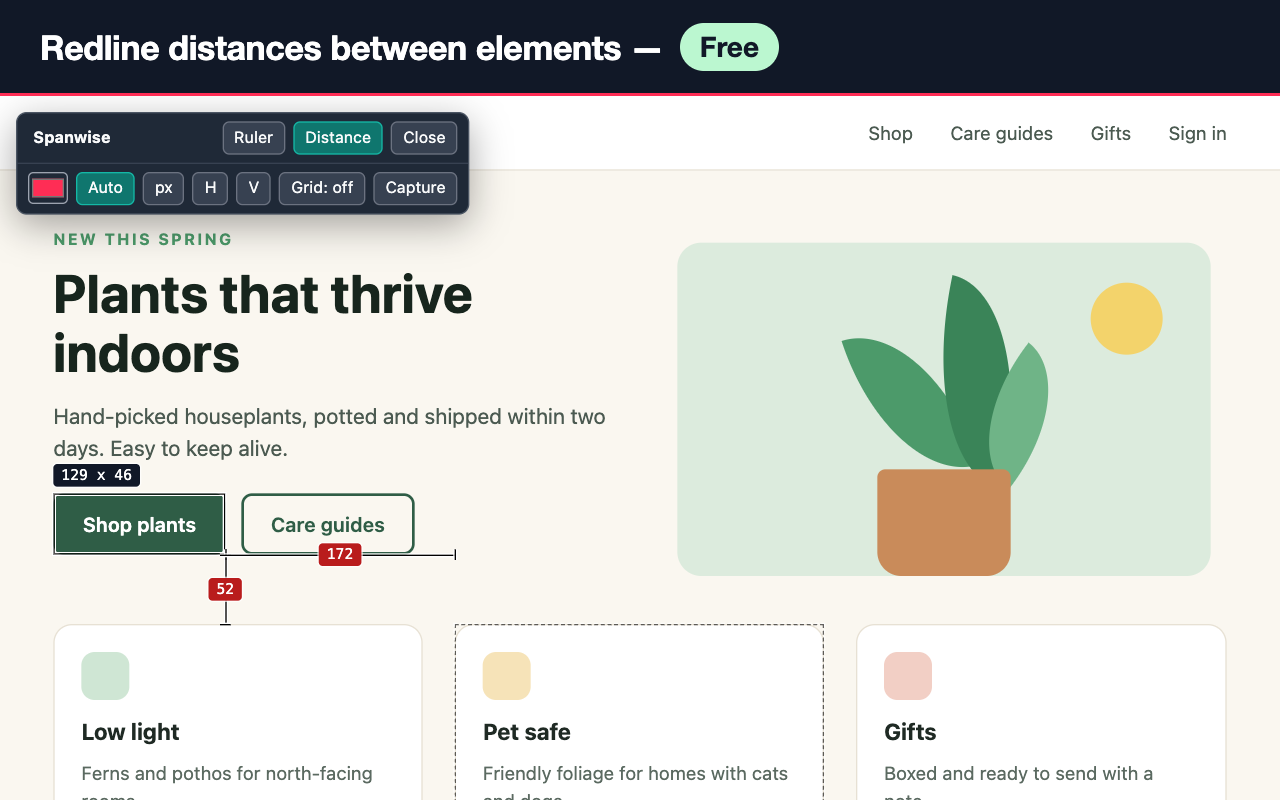
Drag to measure anything on a web page. See width, height and position, nudge with the arrow keys, and hold Alt to see redline distances between elements. Lines stay visible on light, dark and busy backgrounds.
Add to Chrome Get Pro, $9 one-time
Free
- Pixel ruler: width, height and x/y position
- Arrow-key nudging (Shift for 10 px) and resizing
- Redline distances between elements (hold Alt)
- Lines readable on any background, or your own color
Pro, $9 one-time
- Several rulers at once
- Draggable guides that snap to your rulers
- Column grid overlay with presets and a custom grid
- PNG capture with the measurements burned in
- Rulers and guides saved per site, on your device
- Units in px, rem or percent of the viewport
Questions
Does Spanwise work on dark websites?
Yes. Every line gets a contrasting outline chosen from the colors under it, so it stays visible on light, dark and busy backgrounds. You can also pick a fixed color.
Does it need access to all my websites?
No. It uses activeTab and runs only on the tab where you click its icon.
Is Pro a subscription?
No. Pro is a one-time $9 purchase with a license key, with a 30-day refund.